- Is the beta free to try?
- For seven days. Download it and everything is yours for a week — every room, every engine, Oscilla; the app tells you the day it ends. After that it opens only to Activate until a code is in. A licence code registers it on up to three of your Macs.
- What does it need?
- macOS 15 (Sequoia) or later. Apple Silicon is where it is fastest; Intel Macs are supported. Oscilla Local, the built-in cybernetic assistance, is a separate 2.5 GB download and is best on Apple Silicon.
- macOS says it can’t verify the app.
- AudioCortex 2 is signed and notarized by Apple, but macOS can still be cautious the first time you open it. Open System Settings ▸ Privacy & Security, scroll down and click Open Anyway, then open AudioCortex again. You only do this once.
- Does AudioCortex use generative AI?
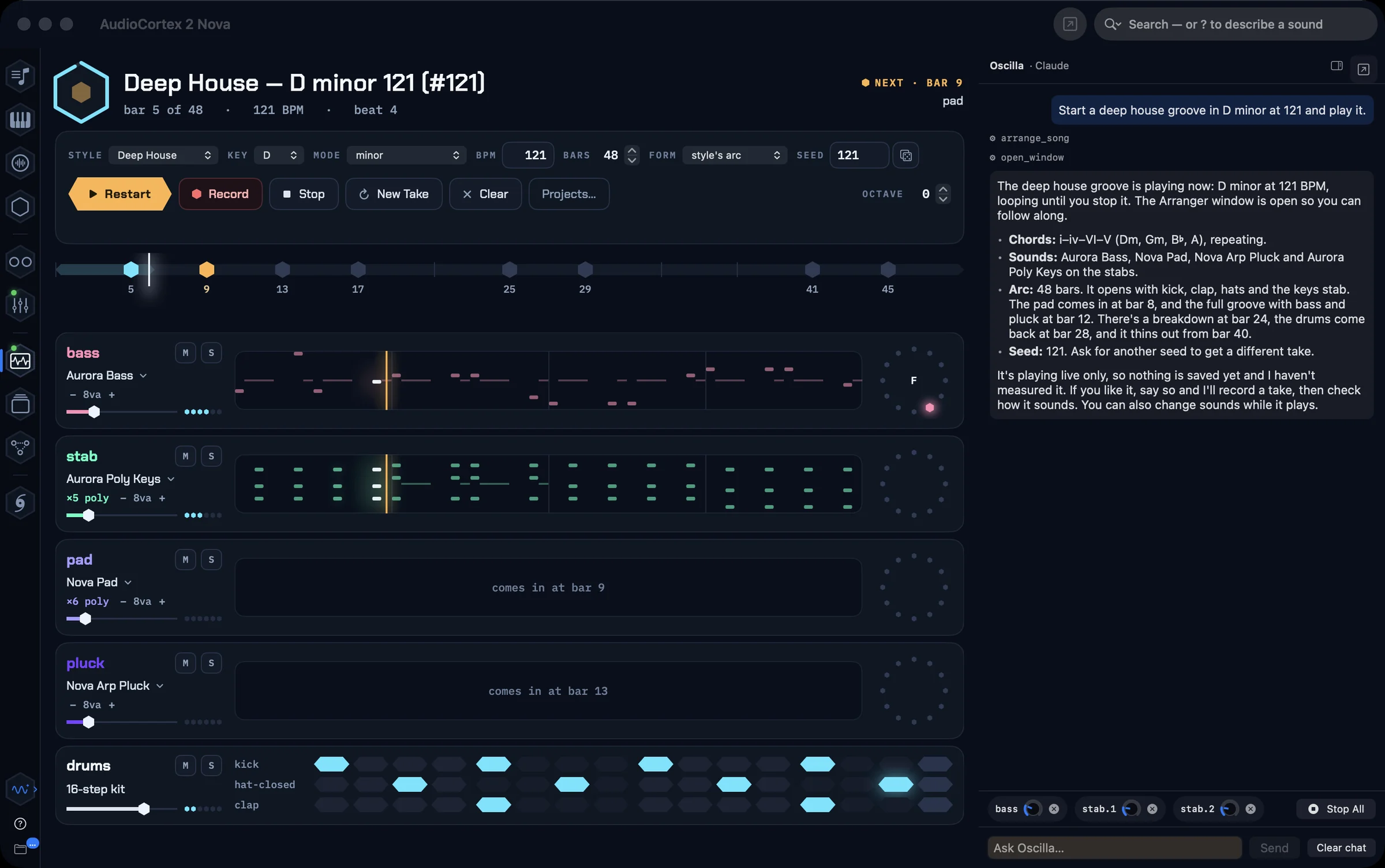
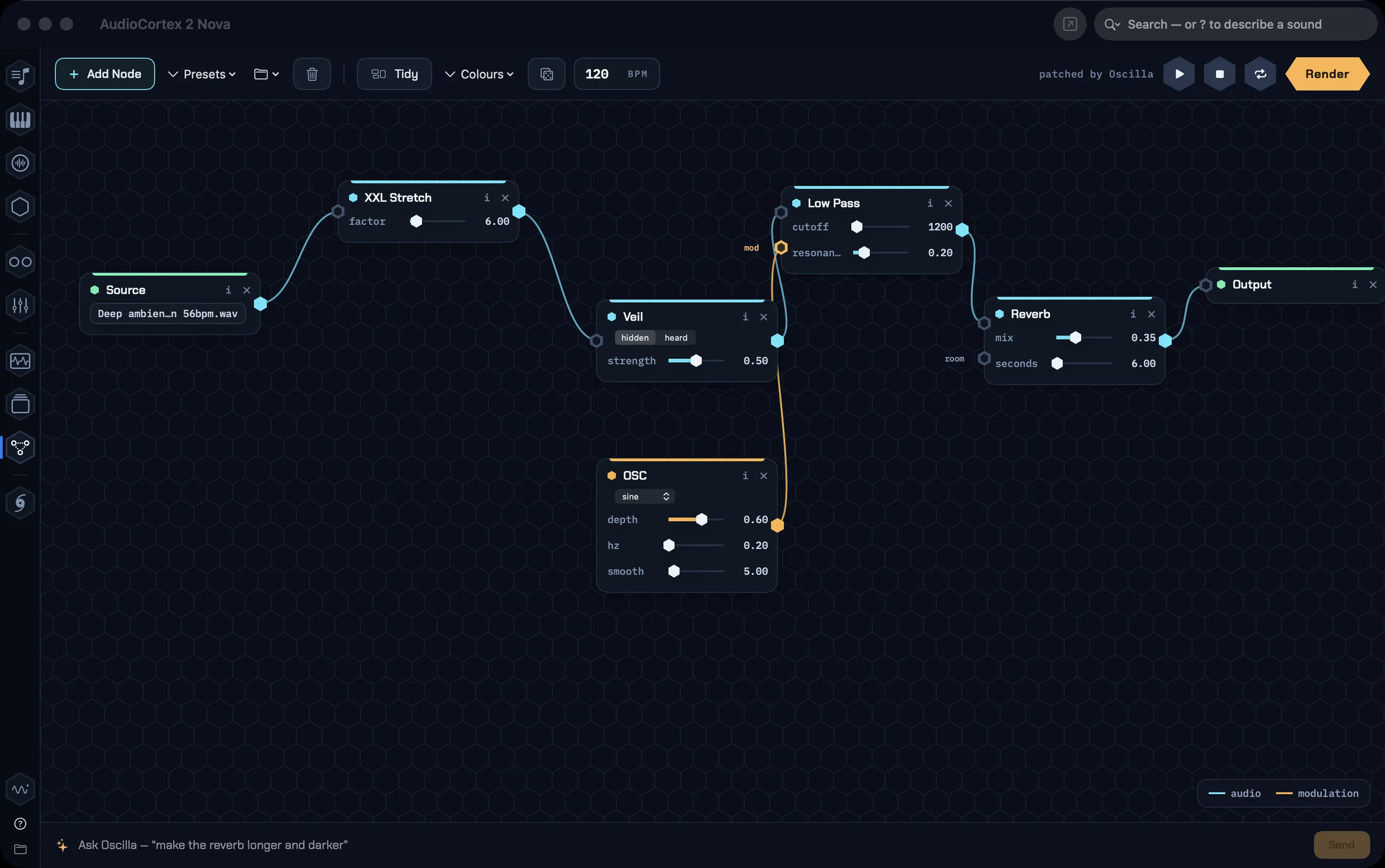
- No. Nothing in AudioCortex generates audio. What it has is cybernetic assistance: Oscilla steers the app for you, finding sounds and running the same tools you would, under your direction. That is a different thing from AI that makes music, so we call it by a different name; every sound comes from your recordings or from the built-in synthesizers and effects.
- Does Oscilla need an account?
- No. Your choice: Oscilla Local, which needs no key and runs entirely on your Mac; a Claude key or sign-in; a Gemini key; an OpenAI key; your own model server (LM Studio, Ollama, llama.cpp or anything OpenAI-compatible); or Apple’s on-device model on macOS 26. Everything else in the app works with no assistant at all.
- Do you supply a Claude or Gemini key?
- No. We don’t supply or resell assistant keys, and there’s never a usage bill from us. If you already have a key from Anthropic, Google or OpenAI, Oscilla can use it, billed to your account with them. If you don’t, Oscilla Local and Apple’s on-device model cost nothing and need no key.
- Can I use OpenRouter or another OpenAI-compatible service with Oscilla?
- Yes. In Settings, on Oscilla’s tab (labelled “AI”), under “Your own model server”, enter the server https://openrouter.ai/api/v1, the model name exactly as OpenRouter lists it (for example anthropic/claude-sonnet-4.5 or google/gemini-2.5-flash) and your OpenRouter key. Then choose that option, or leave Oscilla on Automatic with no Claude or Gemini key set. Your key stays in the macOS Keychain and goes only to the server you entered. Oscilla works the app through tools, so pick a model that supports tool calling. The same option takes LM Studio or Ollama on your own Mac (Ollama: http://localhost:11434/v1) or any OpenAI-style server on your network.
- I own AudioFinder. What now?
- Bought it in 2020 or later? AudioCortex 2 is yours free: paste your AudioFinder code into AudioCortex 2’s activation window and it migrates. Bought it earlier? Thank you for the years — the intro price is for you too. AudioFinder itself stays available to download on the Classic page and your code keeps working.
- Why isn’t this AudioFinder 7?
- AudioFinder was built for Intel Macs that Apple no longer makes, and Apple has since replaced almost everything underneath it. Rather than rebuild a twenty-year-old design on shifting foundations, we started fresh: AudioCortex keeps what AudioFinder did best and is built natively for Apple Silicon. Why AudioCortex is a new app →
- Isn’t AudioCortex already inside AudioFinder?
- Older AudioFinder versions came with the 2021 AudioCortex built in. AudioFinder 6.0.7 and later remove it: its AudioCortex menu now opens AudioCortex 2. AudioCortex 2 is a separate app: download it from this page and install it next to AudioFinder, not inside it.
- How do updates arrive?
- In the app. AudioCortex ▸ Check for Updates… — betas arrive as they ship, with notes.
- Subscription?
- No. Never. One purchase, one code, your Macs.
 Iced
Iced